TintPage
Dog Coloring Pages from Your Photos
Keep the ears, pose and favorite markings in a printable page from your own dog photo. Print a pure black-and-white PNG or Letter/A4 PDF.
Make your coloring page
01 — 03Choose a photo and confirm all three permissions. Classic trace is free · frequency limits apply
Classic background removal reduces flat backdrop noise; it does not identify subjects.
Meet your coloring page
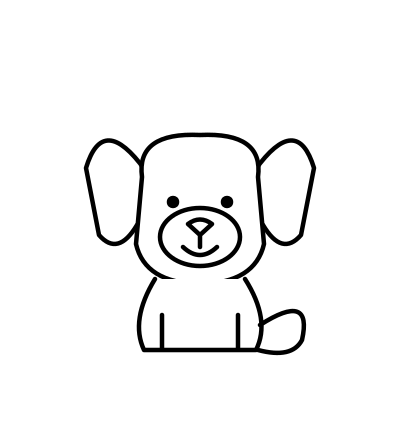
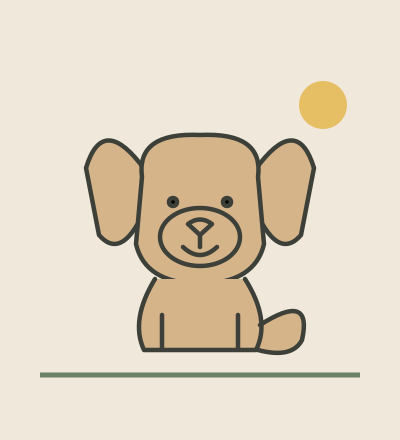
Compare an original illustration with its hand-drawn outline.
REAL RESULTS · NOT RETOUCHED
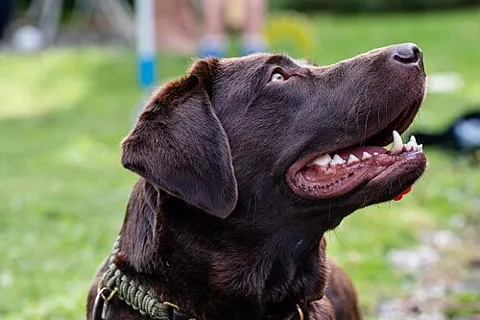
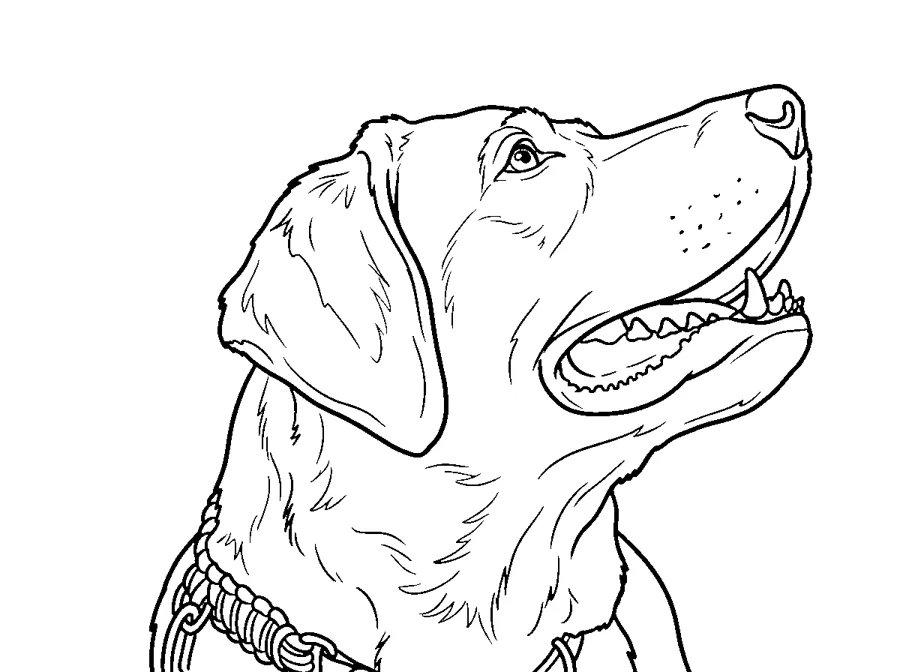
Dog photo to coloring page samples
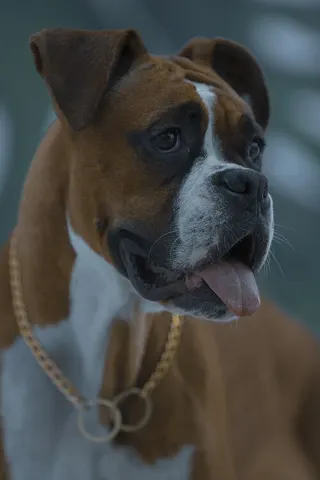
Each pair is a CC0 stock photo and the page TintPage AI made from it, after the same black-and-white cleanup your pages get. AI can change details; results vary by photo.
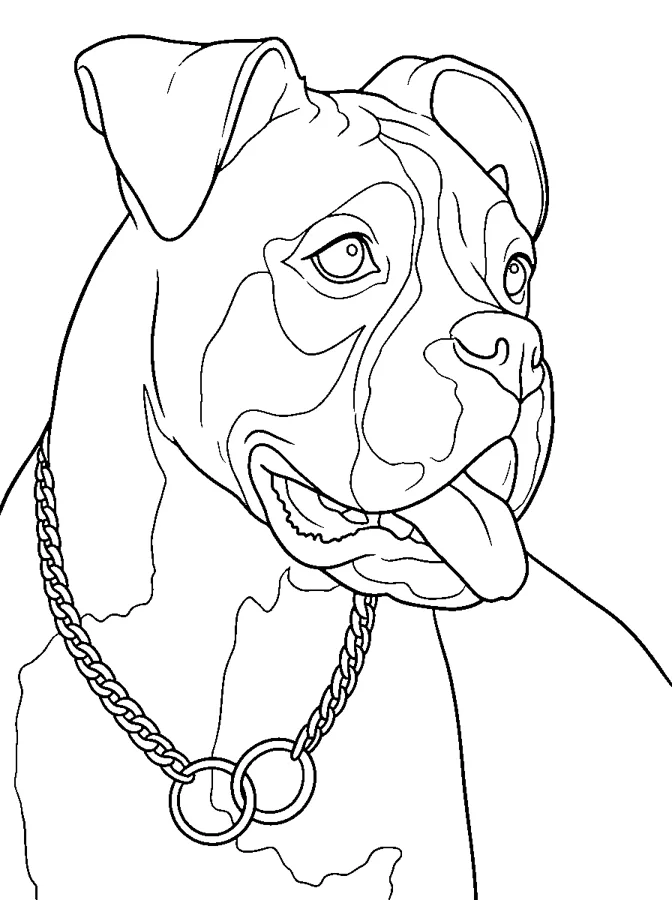
Tips for your dog photo
- Photograph your dog at eye level.
- Choose a background that contrasts with the coat.
- Use Medium detail to preserve larger coat markings.
- Remove background clutter around the ears and tail.
Dog questions
What photo works best for dog pages?
Photograph your dog at eye level. Use JPG, PNG or WebP up to 12 MB.
Can I simplify the dog details?
Use Medium detail to preserve larger coat markings. Classic trace follows existing edges; AI styles can reinterpret shapes.
Can I print my dog page on A4?
Yes. The same completed page can be laid out on A4 or Letter and exported as PNG or PDF without spending another credit.