TintPage
Flower Coloring Pages from Your Photos
Turn a flower, bouquet or garden close-up into a printable page with open petals. Print a pure black-and-white PNG or Letter/A4 PDF.
Make your coloring page
01 — 03Choose a photo and confirm all three permissions. Classic trace is free · frequency limits apply
Classic background removal reduces flat backdrop noise; it does not identify subjects.
Meet your coloring page
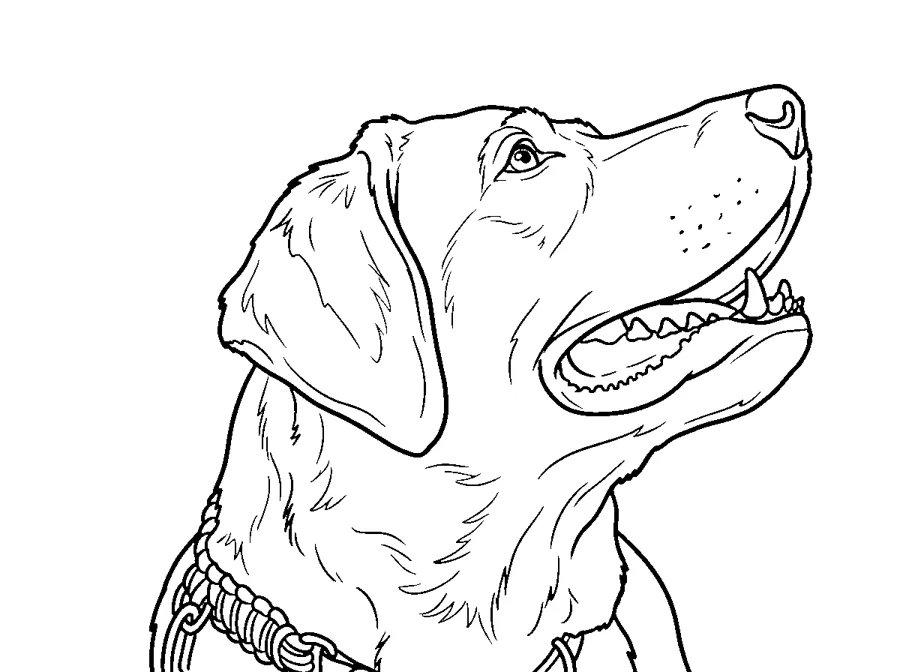
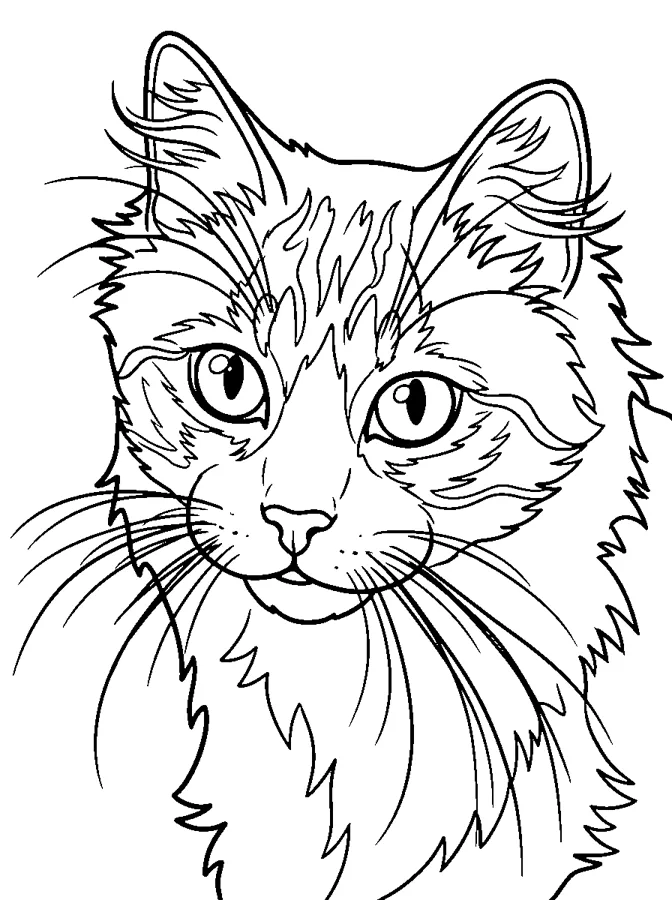
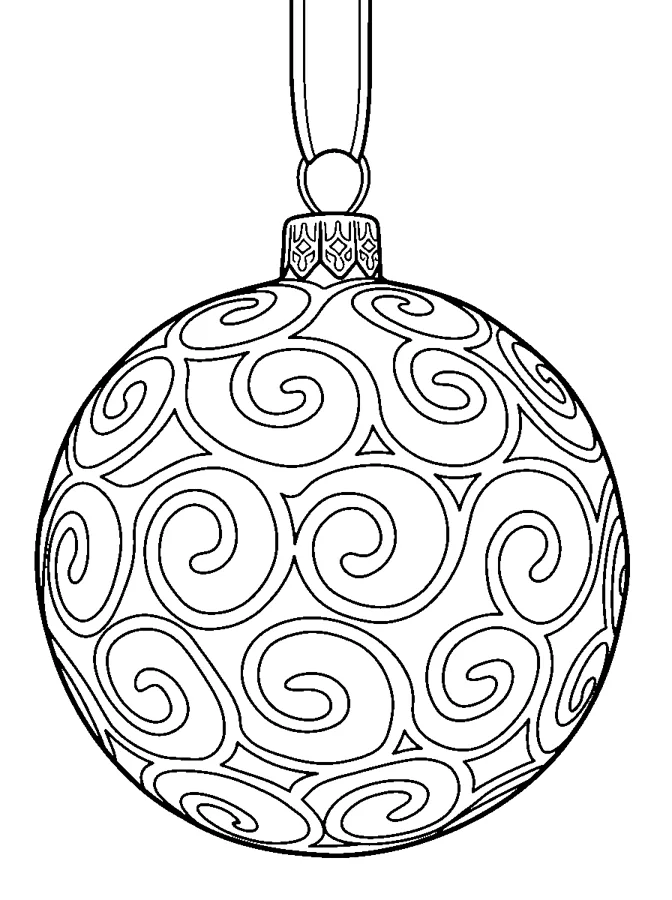
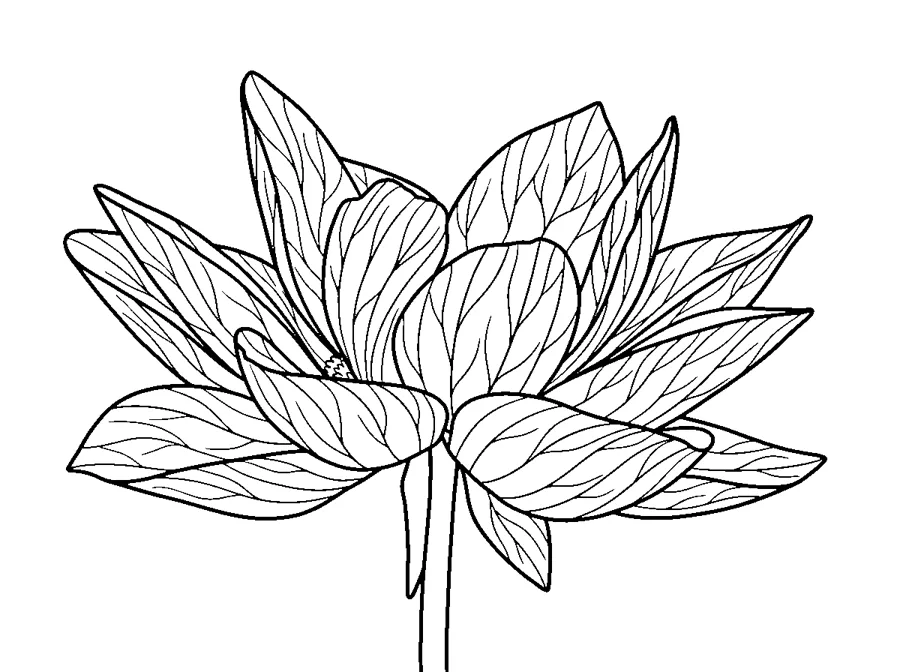
Compare an original illustration with its hand-drawn outline.

REAL RESULTS · NOT RETOUCHED
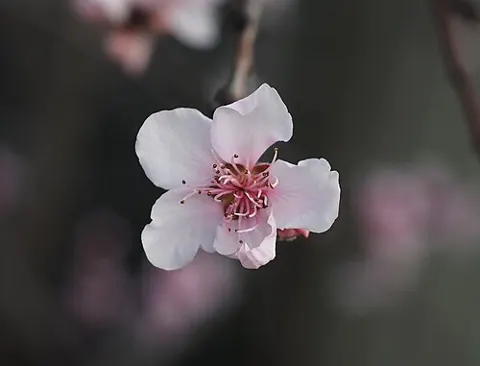
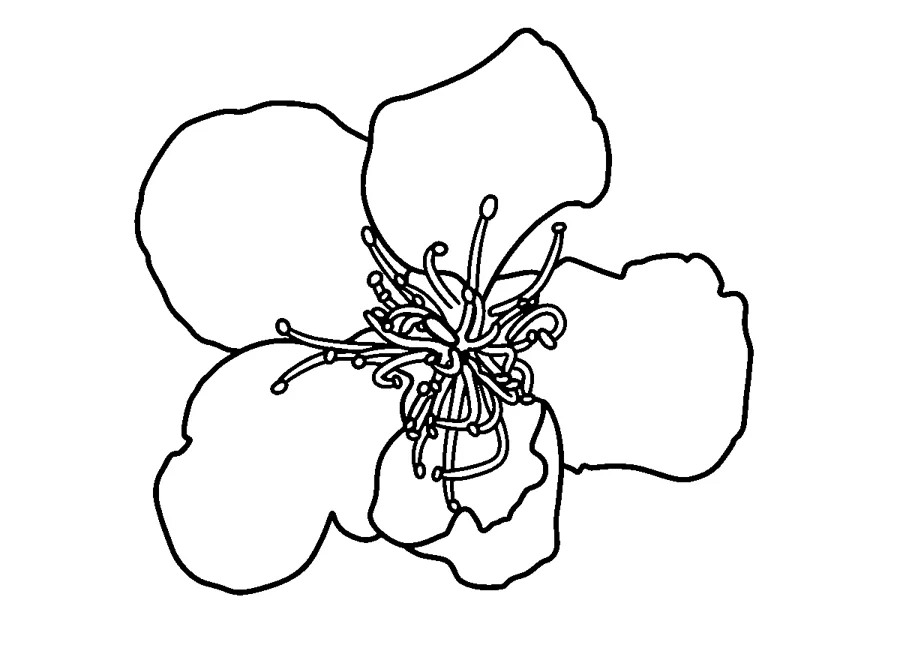
Flower photo to coloring page samples
Each pair is a CC0 stock photo and the page TintPage AI made from it, after the same black-and-white cleanup your pages get. AI can change details; results vary by photo.

Tips for your flower photo
- Choose a bloom whose petals are easy to distinguish.
- Try side lighting to reveal overlapping petal edges.
- Use Easy for one bloom and Detailed for a larger arrangement.
- Keep a plain background behind pale petals.
Flower questions
What photo works best for flower pages?
Choose a bloom whose petals are easy to distinguish. Use JPG, PNG or WebP up to 12 MB.
Can I simplify the flower details?
Use Easy for one bloom and Detailed for a larger arrangement. Classic trace follows existing edges; AI styles can reinterpret shapes.
Can I print my flower page on A4?
Yes. The same completed page can be laid out on A4 or Letter and exported as PNG or PDF without spending another credit.